How We Keep Your Data Safe
Your data is sensitive, valuable, and central to the work you do and watsonx Workhsop makes it our mission to keep it safe at every step. From the moment you upload content or pull client insights, the platform is engineered to protect your information with enterprise-grade security and transparent controls. Explore, create, and collaborate with confidence. watsonx Workshop is transparent about how your data is encrypted, how session data is limited, and how IBM Confidential information is safeguarded.
Data Encryption
watsonx Workshop protects your information with enterprise grade encryption at every stage of the experience. All data moving between your browser and the platform is secured in transit using industry standard encrypted channels, preventing interception or unauthorized access. Once stored inside Workshop, your content remains encrypted at rest, ensuring that even stored data is shielded from exposure. Together, these safeguards create a trusted foundation where you can confidently explore, build, and collaborate, knowing your sensitive information is protected by default.
Handling IBM Confidential and User-Uploaded Data
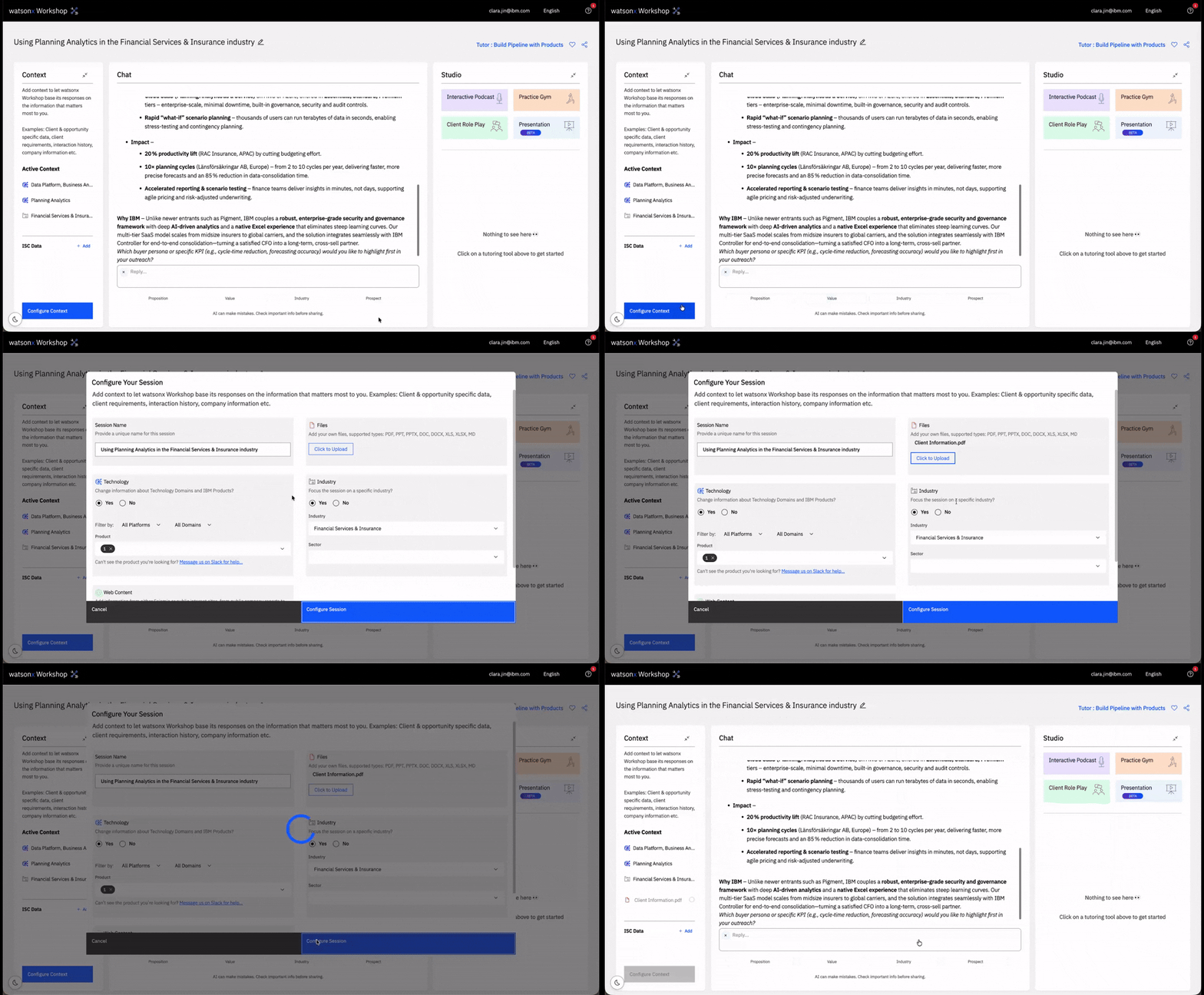
watsonx Workshop is designed to respect the sensitivity of your content, ensuring that IBM Confidential information and user‑uploaded assets are always handled with care and transparency. By default, the platform does not preload or store any IBM Confidential data, every built‑in asset comes from vetted Sales Enablement resources or publicly available IBM documentation. When you choose to upload your own materials, including IBM Confidential content, the data stays securely contained within your personal session and cannot be accessed by others unless you explicitly share the session. This session‑scoped model gives you full control over when, how, and with whom your information is visible, reinforcing a secure environment where you can work confidently with both sensitive and non‑sensitive data.
Session Sharing
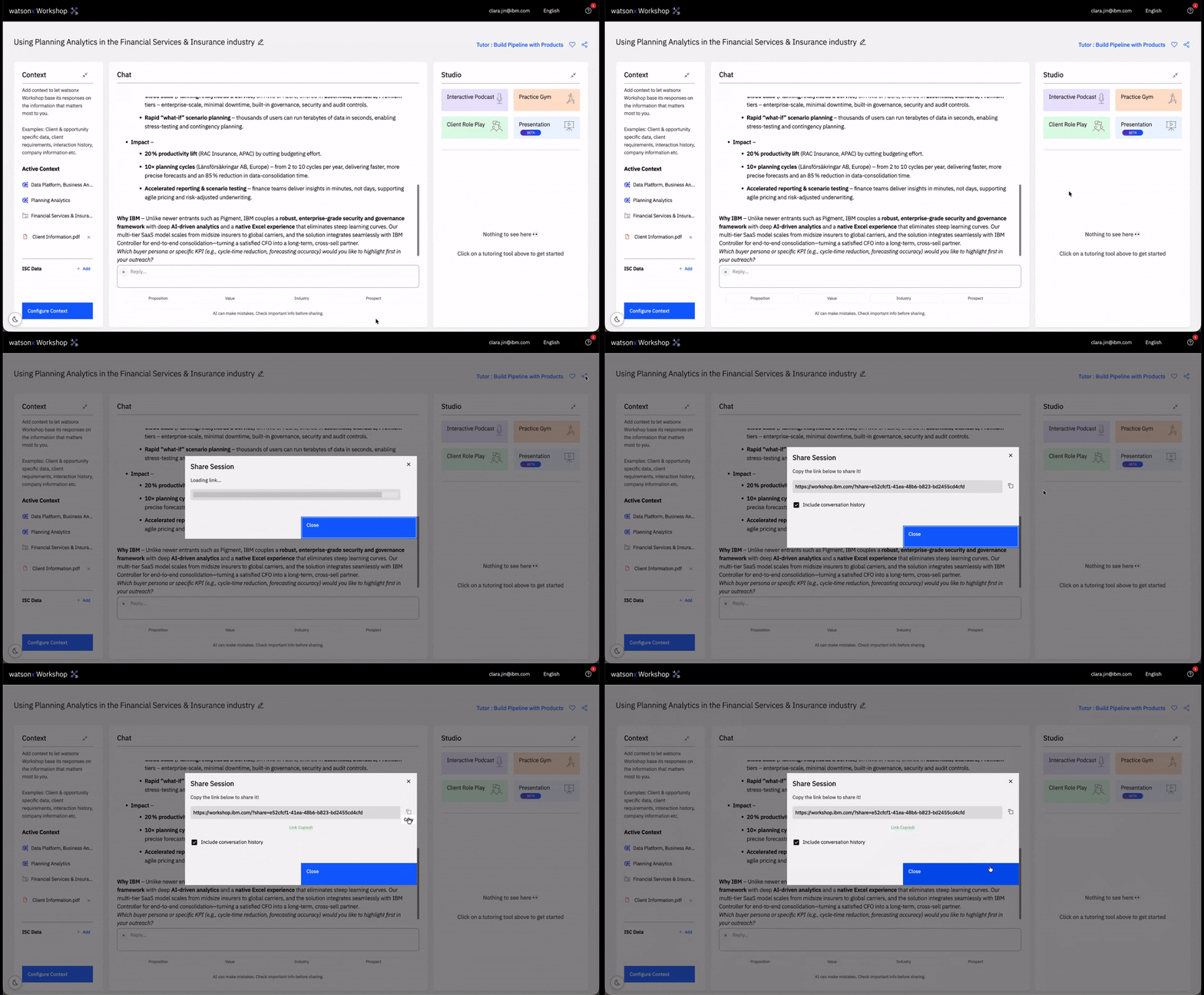
Sharing a session in watsonx Workshop enables powerful collaboration, but it also expands who can see the content you’ve added. When you choose to share a session in watsonx Workshop, all content within that session immediately becomes visible to every recipient. Sharing is always intentional, and visibility changes only when you initiate it, ensuring you maintain full control over what others can see. watsonx Workshop never exposes your data automatically.
IBM Sales Cloud (ISC) Data Handling
Some IBMers may choose to connect to IBM Sales Cloud (ISC) to pull client information into a Workshop session. Any ISC data pulled into a session is stored only for the duration of that session and is permanently destroyed when the session is deleted. This data is never retained in internal database backups, ensuring that sensitive client details do not persist beyond their intended use. If a session is lost or expires, the user must reconnect to ISC to retrieve the information again, reinforcing strict session‑scoped handling and preventing unintended long‑term storage of client data.